
Getting Started
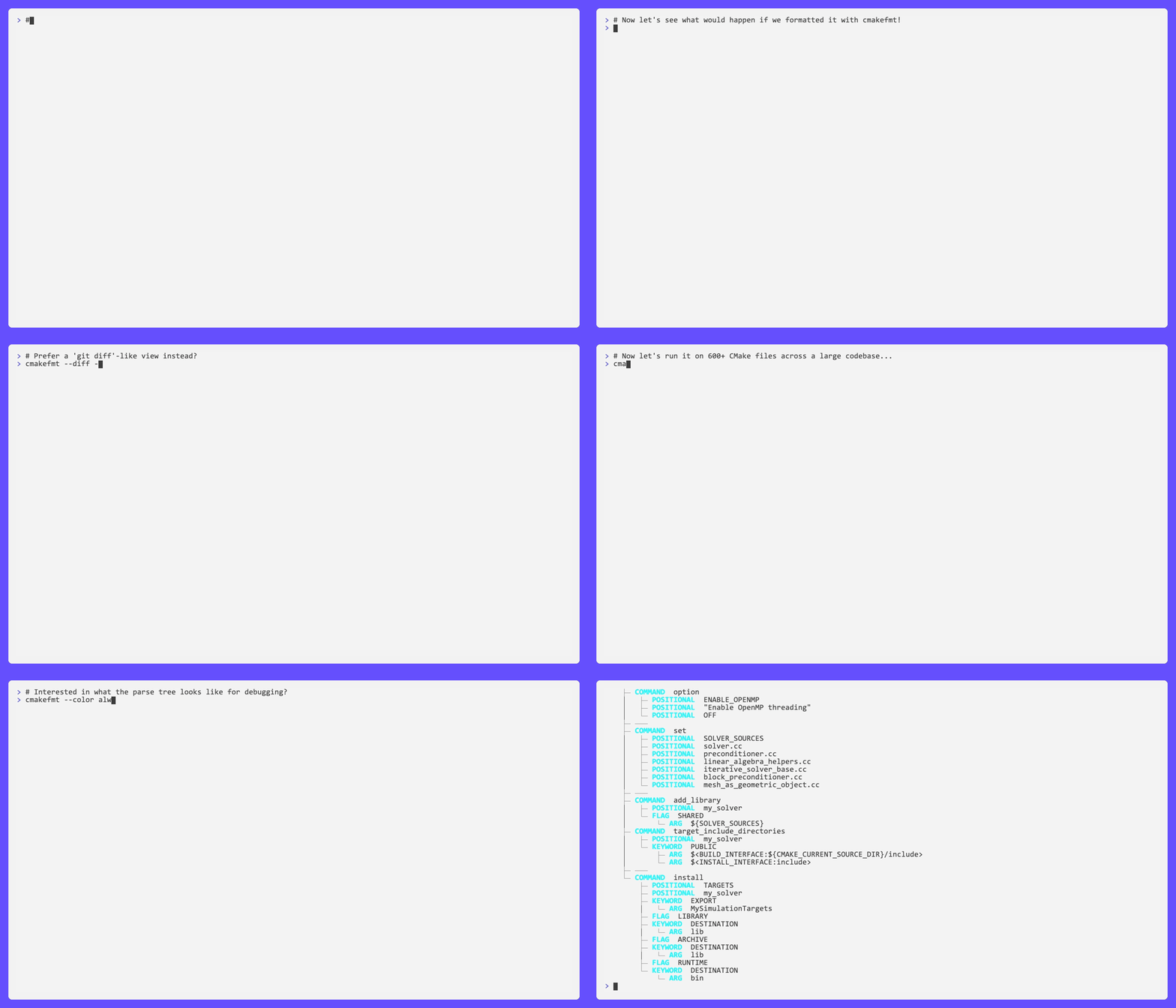
cmakefmt is a fast, workflow-first formatter for CMake files. This page gets you from
installation to a fully formatted repository in under a minute.
Install
Section titled “Install”Homebrew — recommended for macOS, no Rust toolchain needed:
brew install cmakefmt/cmakefmt/cmakefmtPre-built binaries — for Linux, macOS, and Windows, download the .zip / .tar.gz
from GitHub Releases,
extract, and place the binary on your PATH.
Cargo — for developers already using Rust, works on any platform:
cargo install cmakefmt-rustVerify the install:
cmakefmt --versionFor shell completions, editor setup, and more install options see the full Installation page.
Generate a Config
Section titled “Generate a Config”Generate a starter config in your repository root:
cmakefmt config initOr dump the full default config to stdout:
cmakefmt config dump > .cmakefmt.yamlYAML is the recommended format. Open the file and adjust options like
format.line_width and style.command_case to match your project’s style.
Your First Run
Section titled “Your First Run”Check what would change across your whole repository without touching any files:
cmakefmt --check .If the output looks right, apply formatting:
cmakefmt --in-place .Git Hook
Section titled “Git Hook”Install a pre-commit hook that checks formatting on every commit:
cmakefmt install-hookThis adds a git pre-commit hook that runs cmakefmt --check --staged.
Commits with unformatted CMake files will be rejected until you run
cmakefmt --in-place ..
For pre-commit framework integration, see the CI page.
Getting Help
Section titled “Getting Help”For a brief summary of all flags:
cmakefmt -hFor an extended description of every flag with examples:
cmakefmt --helpWhat’s Next
Section titled “What’s Next”- Installation — full install options, shell completions, editor setup
- CLI Reference — every flag documented
- Config Reference — tune
cmakefmtfor your project - Formatter Behavior — understand what gets changed and why
- Migration From
cmake-format— coming from the Python tool?
Docs track main. For historical docs, check out a release tag inthe repository and builddocs/ locally.